The Problem with the 'Sign-Up' Wall
We've all been there: you have a brilliant idea for a social media post, a blog header, or a new character. You find a tool that looks promising, but before you can even type your first prompt, a popup appears. "Sign up to continue." "Verify your email." "Complete your profile."
This friction is the enemy of creativity. For many users, especially those in a high-speed creative flow, an AI image generator without sign up is more than just a convenience—it's a necessity. Let's look at why these anonymous tools are becoming the preferred choice for content creators worldwide.
4 Reasons to Go Anonymous
Instant Creative Flow
When inspiration strikes, seconds matter. No-sign-up tools allow you to go from 'idea' to 'image' in under a minute. You don't have to wait for verification emails or remember passwords. You just type, generate, and create.
Privacy by Default
In an era of data harvesting, anonymous tools offer a sanctuary. By using an AI image generator without sign up, you ensure that your artistic experiments aren't being tracked, profiled, or sold to advertisers. Your ideas remain yours.
No Commitment, Just Exploration
Sometimes you just want to test a concept. Maybe you're comparing styles or seeing if AI can handle a specific prompt. Anonymous access allows you to experiment freely without adding another account to your digital footprint.
Zero Marketing Spam
No account means no newsletter, no 'weekly digests,' and no 'we miss you' emails. You get to use the tool when you need it and ignore it when you don't, without having to manage unsubscribe links.
The 'Frictionless' Workflow on TimelapsePhoto.art
At TimelapsePhoto.art, we've built our entire ecosystem around the idea of zero friction. We believe that the powerful combination of AI generation and animation should be accessible to everyone instantly.
Our AI Image Generator doesn't ask for your name or email. You simply:
- Type your prompt (e.g., "A futuristic cyberpunk city at night").
- Choose a style and aspect ratio.
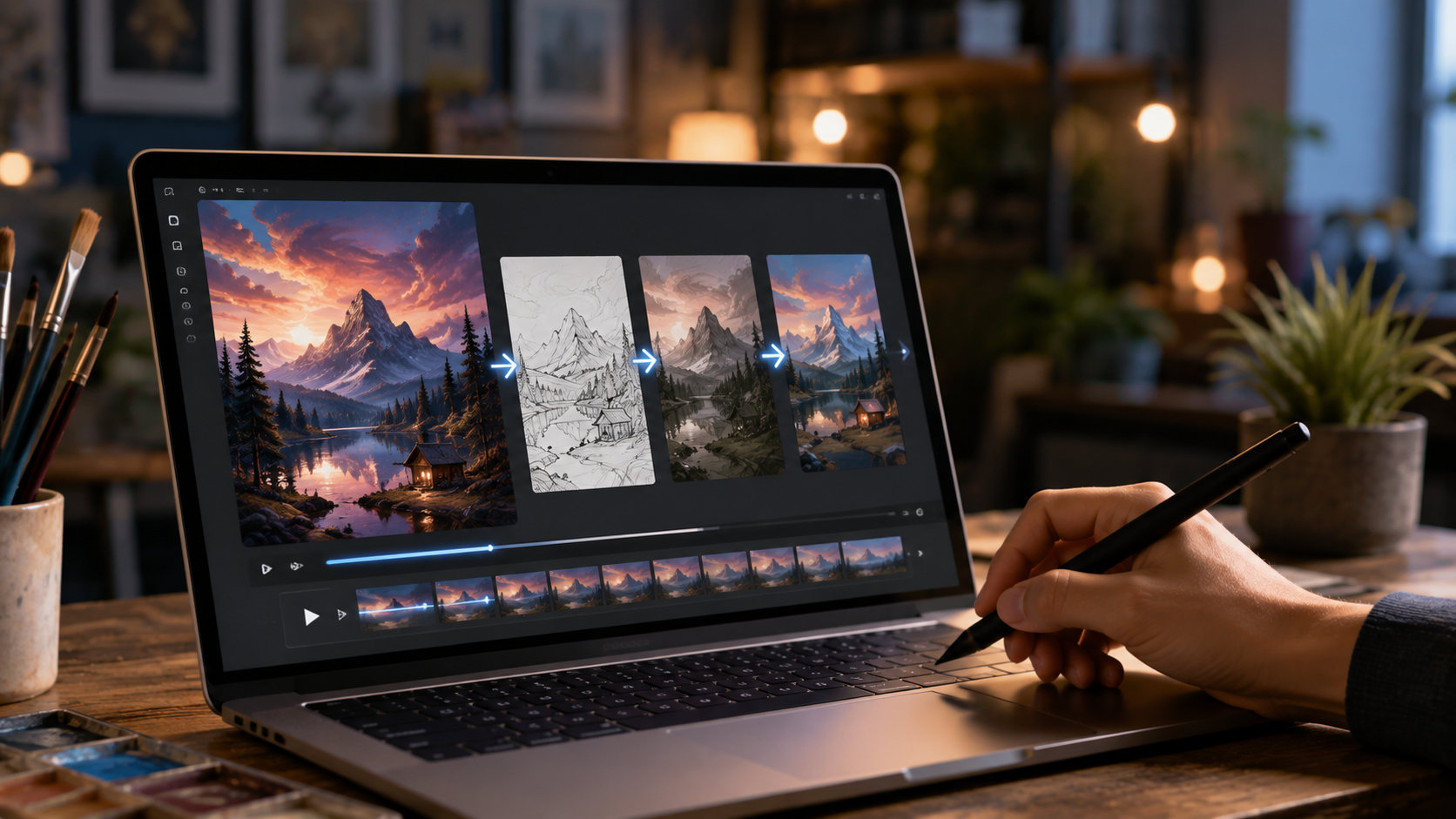
- Click Generate and download your result—or better yet, click 'Animate Drawing' to turn it into a video instantly.
Step by Step: Your First Image in Under a Minute
The whole point of a no-sign-up tool is speed, so the workflow is deliberately short. On the AI Image Generator page:
- Describe the image. Write a specific prompt — a subject, what it is doing, and the setting. "A fluffy golden retriever puppy lying in a meadow of daisies" beats "a dog" every time.
- Choose a style. Pick from the built-in styles such as Cinematic or Anime, or add style words to the prompt itself ("oil painting", "8-bit pixel art", "photorealistic").
- Pick an aspect ratio. Square for social posts and profile images, landscape for blog headers and banners, portrait for phone wallpapers and story formats.
- Click Generate. The Stable Diffusion model renders your image in seconds — no queue behind a login wall, no email to verify first.
- Download or animate it. Save the image, or click 'Animate Drawing' to pass it straight into the drawing animator and watch it redrawn as a video.
Prompt Recipes: 3 Formulas That Reliably Work
Most disappointing results come from the prompt, not the model. These three formulas are the same patterns used in the example generations on the tool page:
- Subject + style + lighting: "crystal wolf, cinematic, dramatic lighting" — a striking subject, a named style, and lighting that sets the mood.
- Place + time + realism: "steampunk city skyline at sunset, photographic, realistic" — a scene, a time of day, and an instruction to render it like a photograph.
- Scene + standout detail + genre: "enchanted forest with glowing mushrooms, fantasy, concept art" — the one glowing detail is what makes the image memorable.
If a result is close but not right, change one element at a time — swap the lighting, then the style — instead of rewriting the whole prompt. Because there is no account and no credit wallet, regenerating costs you nothing but a few seconds.
After You Generate: 3 Things to Do With Your Image
A generated image is the starting point on TimelapsePhoto.art, not the end. The same picture can become:
- A drawing timelapse video. Click 'Animate Drawing' or open the Drawing Animator — the image is redrawn line by line as a speed-paint video (8–15 seconds is the sweet spot for Shorts and Reels), which you can record and download as an MP4. Our guide to the speed drawing video format explains what performs best.
- A printable coloring page. Download the image and run it through the Photo to Coloring Page Converter — bold outlines in, a clean black-and-white page out, ready to print.
- A narrated story. Generated scenes make excellent frames for a story video — the process is covered in our AI story drawing process walkthrough.
Is It Safe for Commercial Use?
A common question is whether anonymous tools provide the same usage rights as paid accounts. Since our tool uses the Stable Diffusion model, the images you generate are typically covered under the Creative ML OpenRAIL-M license, which allows for broad commercial use.
The lack of a sign-up doesn't diminish your creative rights; it simply empowers you to execute your ideas faster. Whether you're a small business owner, a freelancer, or a hobbyist, the efficiency of an anonymous tool can significantly boost your output.
5 Mistakes That Waste Your First Generations
- One-word prompts. "Castle" gives the model nothing to hold on to. Add a style, a setting, and lighting — ten extra words transform the result.
- Asking for long text in the image. Image models still garble sentences and signs. Generate the artwork text-free and add your words afterwards in any editor.
- Ignoring the aspect ratio. A square image cropped into a banner loses its subject. Choose the ratio for where the image will actually be used before you generate.
- Judging the tool by one generation. The same prompt produces variations. Generate a few, keep the strongest composition, then refine the prompt around it.
- Leaving the image as a dead end. A static picture is easy to scroll past; the same picture animated as a drawing video holds attention far longer.
Frequently Asked Questions
Is the AI image generator really free without signing up?
Yes. Open the AI Image Generator page, type a prompt, and click Generate — there is no account, email, or password step, and generating images is free.
What AI model powers the generator?
The generator is powered by the Stable Diffusion model. You describe the picture in words, pick a style such as Cinematic or Anime plus an aspect ratio, and the model renders the image in seconds.
Can I use images I generate commercially?
Because the tool uses Stable Diffusion, generated images are typically covered by the Creative ML OpenRAIL-M license, which allows broad commercial use. Not needing an account does not reduce your usage rights.
Can I turn a generated image into a video?
Yes. After generating, click 'Animate Drawing' (or open the Drawing Animator) and the image is redrawn line by line as a timelapse drawing video you can watch and record as an MP4.
What makes a good prompt?
Name a specific subject, a style or medium, and lighting or mood — for example "crystal wolf, cinematic, dramatic lighting" works far better than just "a wolf". Specific prompts give the model more to work with.
Can I turn a generated image into a coloring page?
Yes. Download the image, then open the Photo to Coloring Page Converter and upload it — the converter traces the outlines into a clean black-and-white coloring page you can print, with no sign-up there either.
Ready to Create Without the Hassle?
No accounts, no emails, no waiting. Just pure creativity at your fingertips.
Start Generating Privately Now