The Magic of Animated Childhood Memories
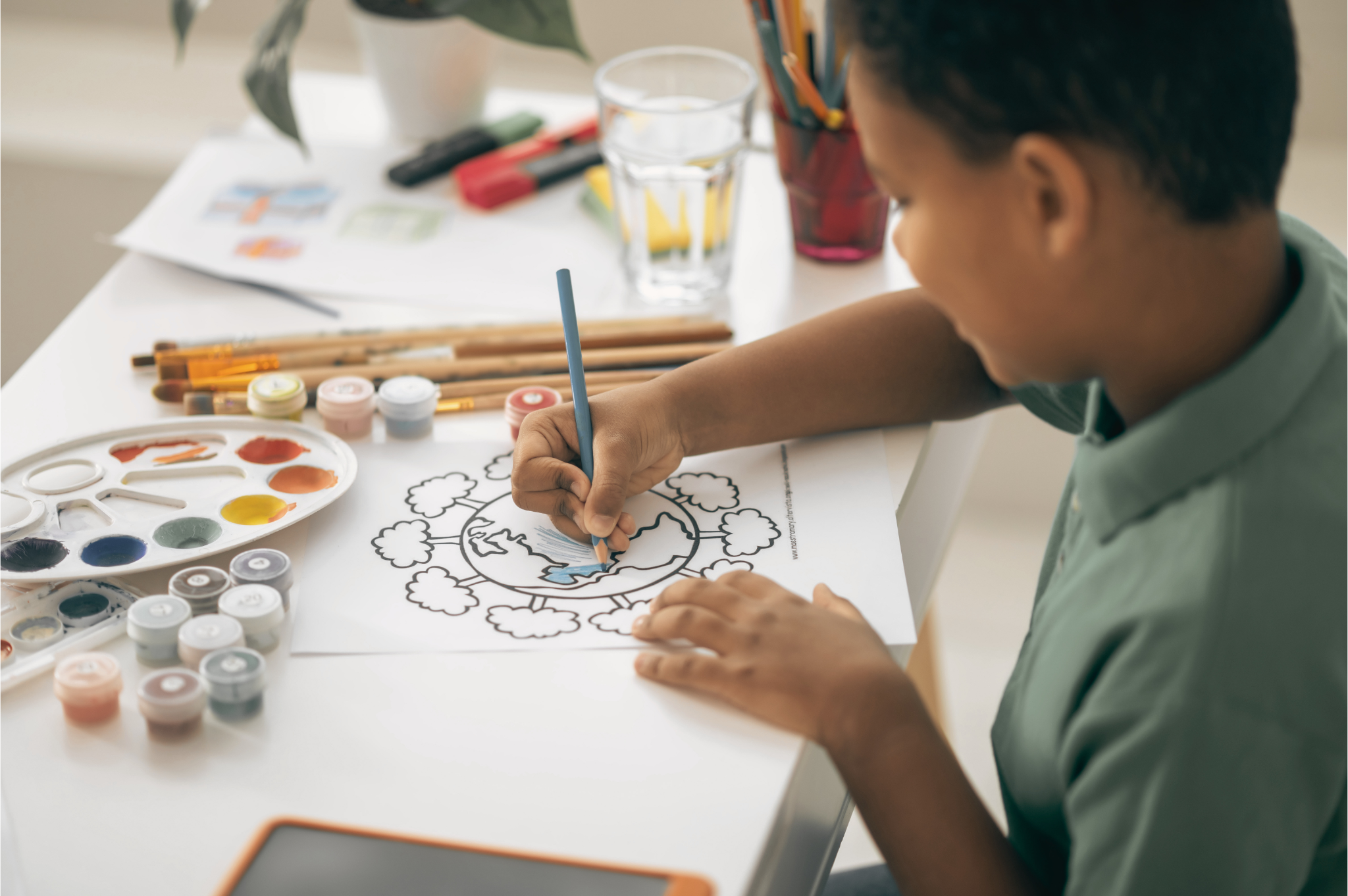
Every parent knows the feeling: your child presents you with a drawing, or you snap a perfectly candid photo of them lost in play. These moments are precious, but they are often stuck in 2D. What if you could add a spark of life to them?
With the latest in "auto-draw" technology, you can now create a free sketch animation from it, at no charge. It’s not just a filter; it’s a process that simulates the very act of creation, revealing your child's favorite characters or even their own portraits line by line.
Why Animate Your Child's Art and Photos?
Animated content isn't just for professionals. For parents and educators, these cute sketch animations serve several purposes:
Celebrate Their Growth
Turning a simple doodle into a finished animation is a powerful way to show your child that their work is special. It boosts their self-esteem and encourages them to keep exploring their artistic side.
100% Private and Safe
At TimelapsePhoto.art, your child's privacy is non-negotiable. Our drawing animation tool processes everything locally in your browser. No photos are ever uploaded to a server, making it perfectly safe for personal family content.
Delight Family and Friends
Instead of sending a static photo to the family group chat, send a mesmerizing timelapse. Grandparents and friends will love watching the "magic pen" bring the picture to life.
How to Make a Cute Sketch Animation in 4 Steps
The process is designed to be parent-friendly—quick, easy, and entirely free.
- 1. Capture the Moment: Take a clear photo of your child's drawing, or pick a favorite photo from your gallery.
- 2. Go to the Drawing Tool: Visit our AI Drawing Tool and upload your image.
- 3. Select 'Outlines Only': For that classic, hand-drawn look, select the "Outlines Only" mode in the settings. This creates a beautiful black-and-white sketch that is incredibly satisfying to watch.
- 4. Generate & Download: Click "Start Drawing." Once the animation is complete, download the MP4 file. You now have a unique digital keepsake!
Which Photos and Drawings Animate Best
After hundreds of family experiments, the pattern is consistent: the animation can only be as good as the picture you feed it. The best results come from a clear, well-lit photo with one subject and an uncluttered background — your child against a plain wall or a simple garden beats a busy birthday-party crowd scene every time.
For your child's own drawing, photograph the paper flat and straight-on in even light, filling the frame with the page. Dark lines on white paper trace best. What struggles: busy backgrounds competing with the subject, very faint pencil lines the tool cannot see, harsh shadows across the paper, and group photos where every face is small. If a first attempt looks soft, the fix is almost always a better source picture, not different settings — re-shoot at full resolution rather than using a compressed copy from a chat app.
Once the animation delights them, the same artwork can become a printable: the kids coloring pages section turns pictures into outline pages children can color by hand.
Outlines Only vs Full Color — Which to Pick
Outlines Only is the classic hand-drawn reveal: black lines sketch themselves across a white page until the picture stands complete. Pick it for your child's own drawings (it replays the act of drawing itself), for a coloring-page feel, and whenever the drawing is the star.
Full Color starts with the same sketch, then resolves into the finished photo in full color. Pick it when the photograph is the payoff — a portrait for grandparents, a holiday snap, a first-day-of-school picture — because the moment the colors bloom is the emotional beat of the video. The general settings science behind both modes is covered in our guide to automatic photo drawing animation.
Settings That Keep It Cute, Not Rushed
Kids' sketch animations are watched in family chats and short feeds, so pace and shape matter more than resolution. Keep the finished reveal in the roughly 8–15 second range: long enough for a parent to follow every line, short enough to hold attention to the final frame. If a result feels rushed, re-run it at a slower speed rather than trying to stretch the MP4 afterwards.
Choose the crop for the destination before you generate: 9:16 for Reels, TikTok and Shorts; 1:1 or 4:5 for a feed post; 16:9 for YouTube. Cropping afterwards usually cuts off the top of a head or the edge of the drawing. When the basics feel easy, the creative formats in making a timelapse drawing video — guessing games, vintage reveals, before-and-after pairs — work beautifully with children's art too.
5 Mistakes That Make Kids' Sketch Animations Look Cheap
- 1. A blurry or shadowed photo of the drawing. Shadows across the paper become grey smudges in the sketch. Shoot in bright, even light, flat and straight-on.
- 2. Lines too faint to trace. Light pencil on grey paper disappears. Go over key lines with a darker pencil or pen first.
- 3. A busy background competing with your child. The tool draws everything it sees, including the clutter. One subject, simple backdrop.
- 4. A reveal so fast nobody can follow it. If grandparents cannot tell what the picture is until it is finished, slow the speed down and regenerate.
- 5. Forgetting to download the MP4. The animation lives in your browser session — download the finished file before closing the tab, then share the file, not a screen recording of it.
One pairing worth trying for grandparents: follow the sketch animation with the original photos as a gentle still slideshow using the Ken Burns effect — sketch first for the magic, photos after for the memories.
Frequently Asked Questions
Is it safe to use photos of my child?
Yes. The drawing tool on TimelapsePhoto.art processes your photo locally in your browser — the picture is not uploaded to a server. That makes it a safe choice for personal family photos and your child's drawings, and it is why this guide recommends it for kids' content over tools that require an account and an upload.
Can I animate my child's own drawing, or only photos?
Both. A photo of your child becomes a sketch portrait reveal, and a photograph of your child's own drawing — taken flat, straight-on, in even light — animates the same way, redrawing their lines stroke by stroke. Dark lines on white paper give the cleanest result.
Do I need an account or to pay?
No. The tool is completely free and works without an account or sign-up. You open the drawing tool, add your picture, generate the animation, and download it — nothing to install and no watermark.
What format do I download?
The finished animation downloads as an MP4 video file, which plays everywhere: family group chats, Instagram Reels, TikTok, YouTube Shorts, and any phone or computer gallery. Download it before closing the tab so you keep the finished file.
How long does it take to make one?
A couple of minutes end to end: pick the photo, choose Outlines Only or Full Color, let the animation generate, and download the MP4. Choosing the crop for where you will share it — 9:16 for Reels and Shorts, 1:1 or 4:5 for a feed post — takes a few extra seconds and is worth it.
Why are some lines missing from my child's drawing?
Very faint pencil lines are hard for any tracing tool to see. Photograph the drawing flat in bright, even light with no shadows, and if lines are still missing, go over the lightest pencil strokes with a darker pen or pencil and take the photo again — stronger contrast between line and paper fixes most cases.
Start Creating Memories Today
Give your child's art the spotlight it deserves. It takes less than two minutes and costs nothing.
Create My Sketch Animation