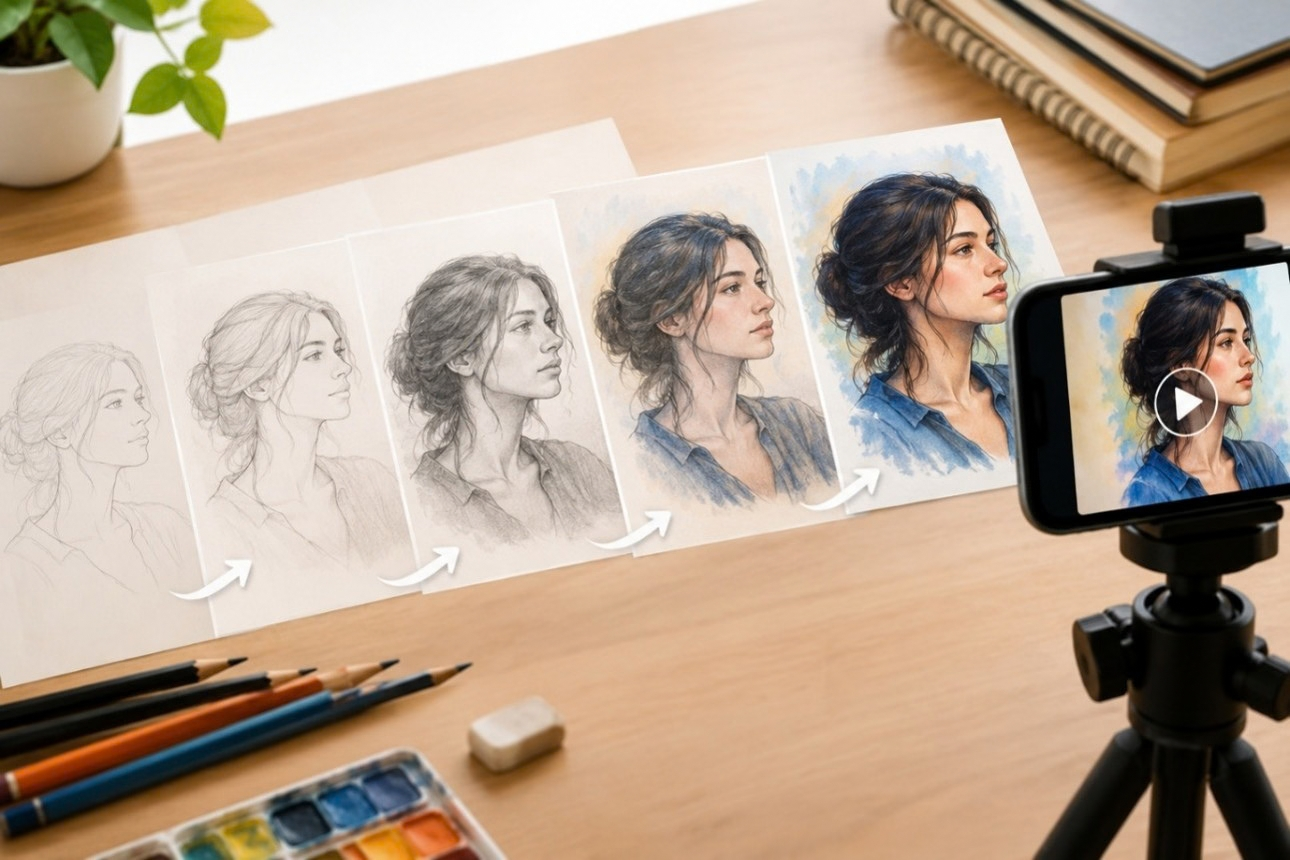
Photograph or screen record your artwork at each stage, then speed up the footage so the piece appears to draw itself. Add a clean start and end frame, keep the pacing smooth, and export in the aspect ratio your portfolio platform expects. This turns any finished piece into a shareable process clip.
Creating a Drawing Reveal Video for Your Art Portfolio: A Step-by-Step Guide
A finished drawing tells people what you made. A reveal video tells them how you made it, and that is often what actually gets remembered. Admissions panels, clients, and followers scroll past thousands of static images every week, but watching a blank page slowly turn into a finished piece holds attention in a way a photo never will. A well-made drawing reveal video for art portfolio submissions can turn an ordinary application or feed post into something people stop to watch all the way through.
The good news is that you do not need expensive software or a film background to make one. You need a plan, a few stages of your artwork captured along the way, and a tool that can stitch it all together smoothly.
Why a Drawing Reveal Belongs in Every Art Portfolio
Static images show the result. A reveal video shows the thinking behind it, which is exactly what portfolio reviewers and design schools ask for. Process work proves you can plan, adjust, and carry an idea through to completion, not just produce a polished final image.
For working artists, an art portfolio video also does double duty as content. The same drawing reveal video for an art portfolio clip that satisfies an application requirement can be trimmed down and posted as a Reel, a Short, or a Story, giving one piece of work several lives across different platforms.
What You Need Before You Start Recording
A little preparation keeps your footage consistent from stage to stage, so gather these basics before you pick up your pencil.
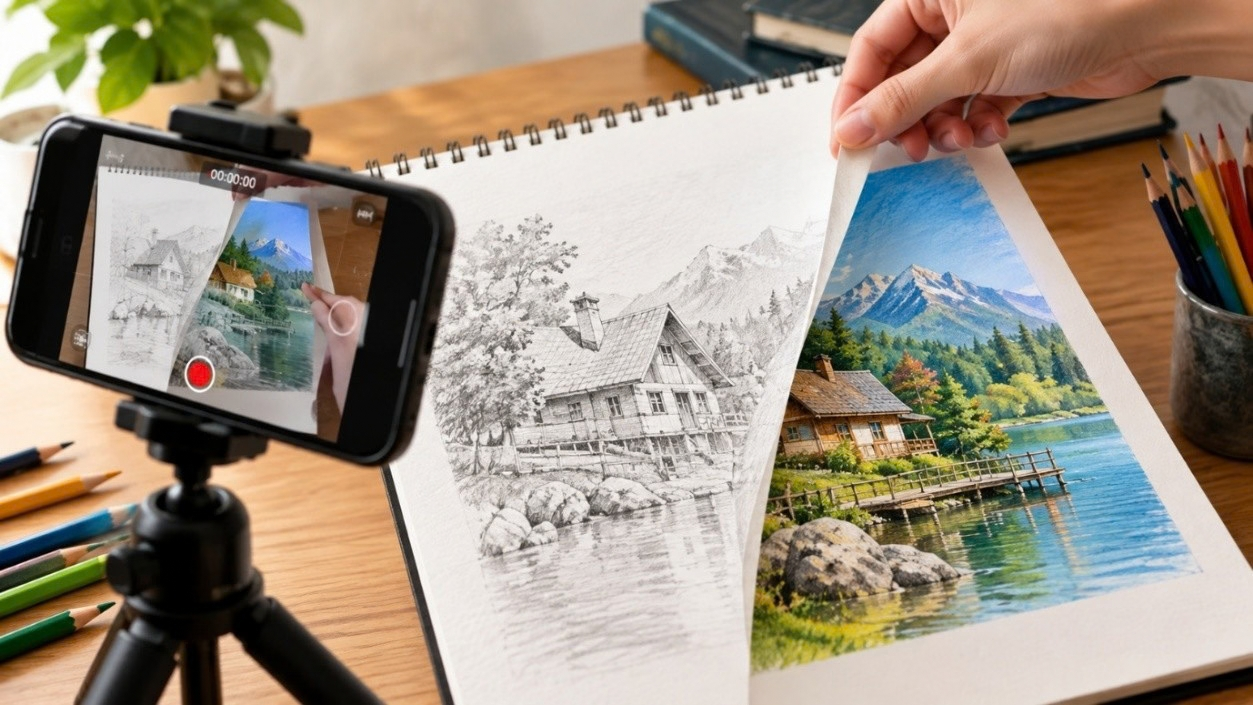
- The finished artwork, in good lighting or a clean scan
- A few in-progress stages, from rough sketch to final details
- A quiet space or steady hand for screen recording, if working digitally
- A clear idea of where the video will be shared first
Having these ready before you record saves time later and keeps your artwork process video consistent from the first frame to the last.
Step by Step: Building Your Artist Drawing Reveal
These five steps take you from a blank page to a finished clip without any prior video editing skills.
- Capture the Stages: Photograph your sketch, block-in, and finished piece, or record your screen if you work digitally. Even three or four stages are enough to build a convincing reveal.
- Order the Images: Arrange them from blank page to completed artwork so the progress reads naturally from start to finish.
- Animate the Transition: Upload the images to a photo-to-video or drawing animation tool that redraws the piece stroke by stroke instead of simply fading between stills.
- Set the Pacing: Keep early stages quick and let the final reveal breathe for a second or two, so viewers register the finished piece.
- Add Sound If It Fits: A soft track or the natural sound of pencil on paper can make the artist drawing reveal feel more personal without pulling focus from the art.
Choosing the Right Format for Your Art Portfolio Video
Where your video will be viewed decides its shape and length, so match the format to the platform before exporting.
| Destination | Best Orientation | Ideal Length |
|---|---|---|
| Instagram Reels, TikTok | Portrait | 15 to 30 seconds |
| YouTube Shorts | Portrait | Under 60 seconds |
| Portfolio website or PDF | Landscape or square | 30 to 90 seconds |
| Application submission | Follow the school's guidelines | As specified |
Matching the format to where the video will live keeps it from looking stretched, cropped, or out of place next to your other work.
Tips for a Stronger Reveal
A few small adjustments can make the difference between a video people skip past and one they watch through to the end.
- Keep the background simple so attention stays on the artwork itself
- Show at least one imperfect stage; it makes the progress feel genuine
- End on a still frame of the finished piece for a second longer than feels necessary
- Keep file sizes reasonable so uploads to portfolio sites do not slow down
Common Mistakes to Avoid
Even a well-planned reveal can fall flat because of a few small errors, so keep these in mind as you edit.
- Rushing the pacing so every stage flashes by too fast to register
- Skipping the early sketch stages, which loses the sense of a process
- Exporting in the wrong aspect ratio, leaving black bars or awkward crops
- Using a busy or cluttered background that pulls focus from the artwork
- Ending too abruptly instead of letting the finished piece linger on screen
Conclusion
A strong reveal video does not need a big production. A handful of captured stages, a clear order, and pacing that lets the finished piece land are usually enough to make a simple photo sequence worth watching. Whether it is going into a school application, a client pitch, or a social feed, the same short clip can work across all three.
With TimelapsePhoto.art, you can turn your process photos into a smooth drawing animation in minutes, right in your browser, with no editing experience required. Try it on your next finished piece and see how much more engaging the process looks once it starts to move.
Frequently Asked Questions
1. How long should a drawing reveal video be for a portfolio?
Most reveal videos work well between 15 and 90 seconds. Shorter clips suit social platforms, while portfolio or application submissions can run slightly longer if the process needs more detail.
2. Do I need drawing software to make a reveal video?
No. You can photograph or scan your artwork stages and use a photo-to-video tool to animate them, even if the original piece was made with traditional pencil, paint, or ink.
3. Should a drawing reveal video be portrait or landscape?
Portrait suits Reels, TikTok, and Shorts, while landscape or square formats work better for portfolio websites and printed or PDF submissions. Match the shape to where it will be viewed.
4. What stages should I capture for the best reveal?
A rough sketch, a mid-progress stage, and the finished piece are usually enough. Three to five stages give the video a clear sense of progression without feeling repetitive.
5. Can I use a reveal video for a school or client portfolio?
Yes. Many art programs and clients appreciate seeing process footage alongside finished work, since it shows planning and skill development rather than just the final result.
Start Your Next Drawing Reveal
Upload a few stages of your artwork and watch them turn into a polished reveal video in minutes, ready for your portfolio or your next post.