The New Wave of Content Creation
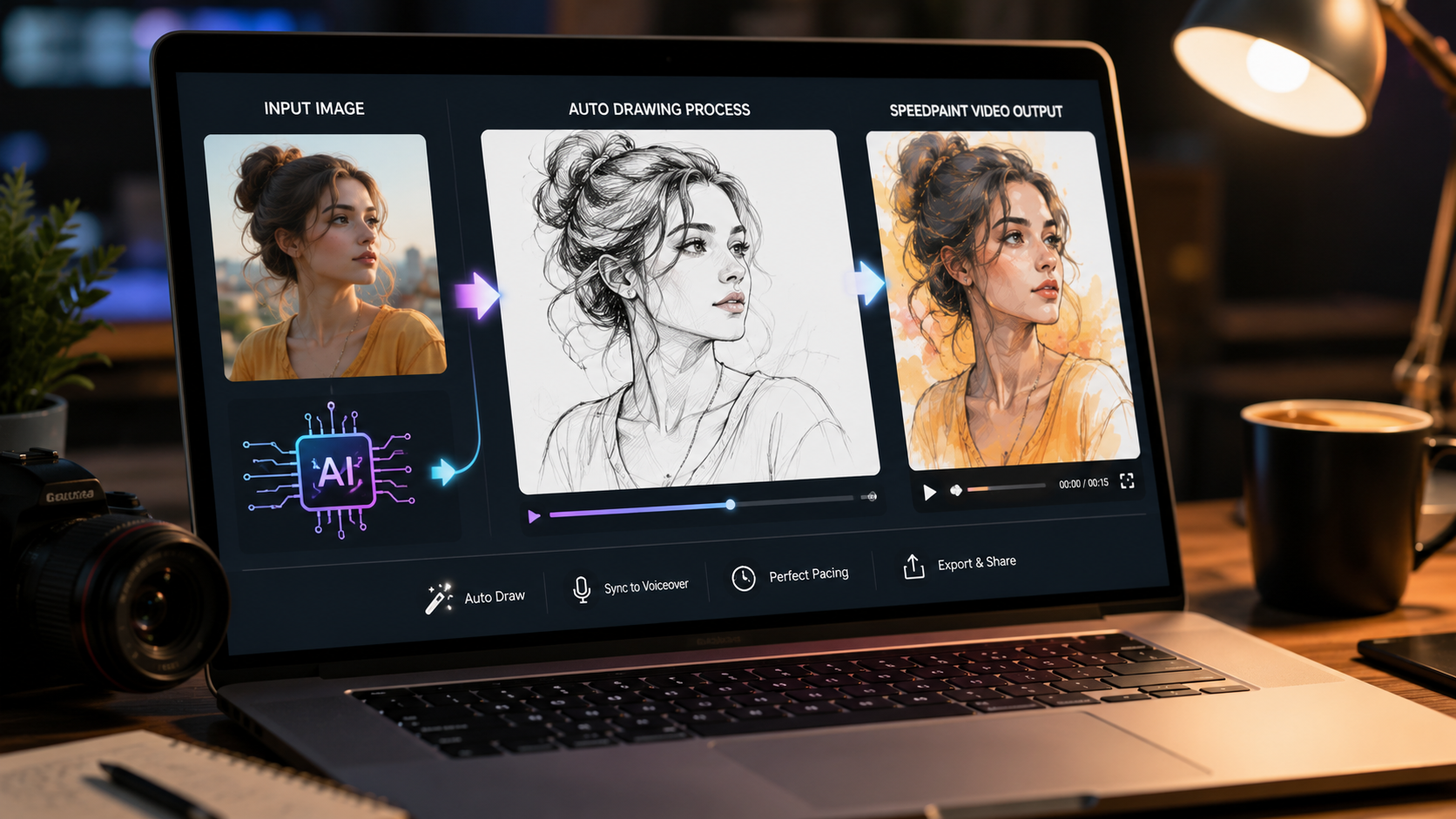
The demand for fast, engaging video content has never been higher. "Speed-paint" videos, which show an artwork being created in fast-forward, are incredibly popular for their satisfying and mesmerizing quality. Traditionally, these required artistic skill and hours of recording. Today, a new category of tool—the photo to speed-paint video maker online—has emerged, allowing anyone to create these animations just by uploading a picture.
But what's the technology behind this magic? The secret lies in a sophisticated process driven by an AI art timelapse generator. This is not just a simple video effect; it's a form of computer vision that deconstructs an image and intelligently simulates the act of its creation.
How an AI Art Timelapse Generator Works
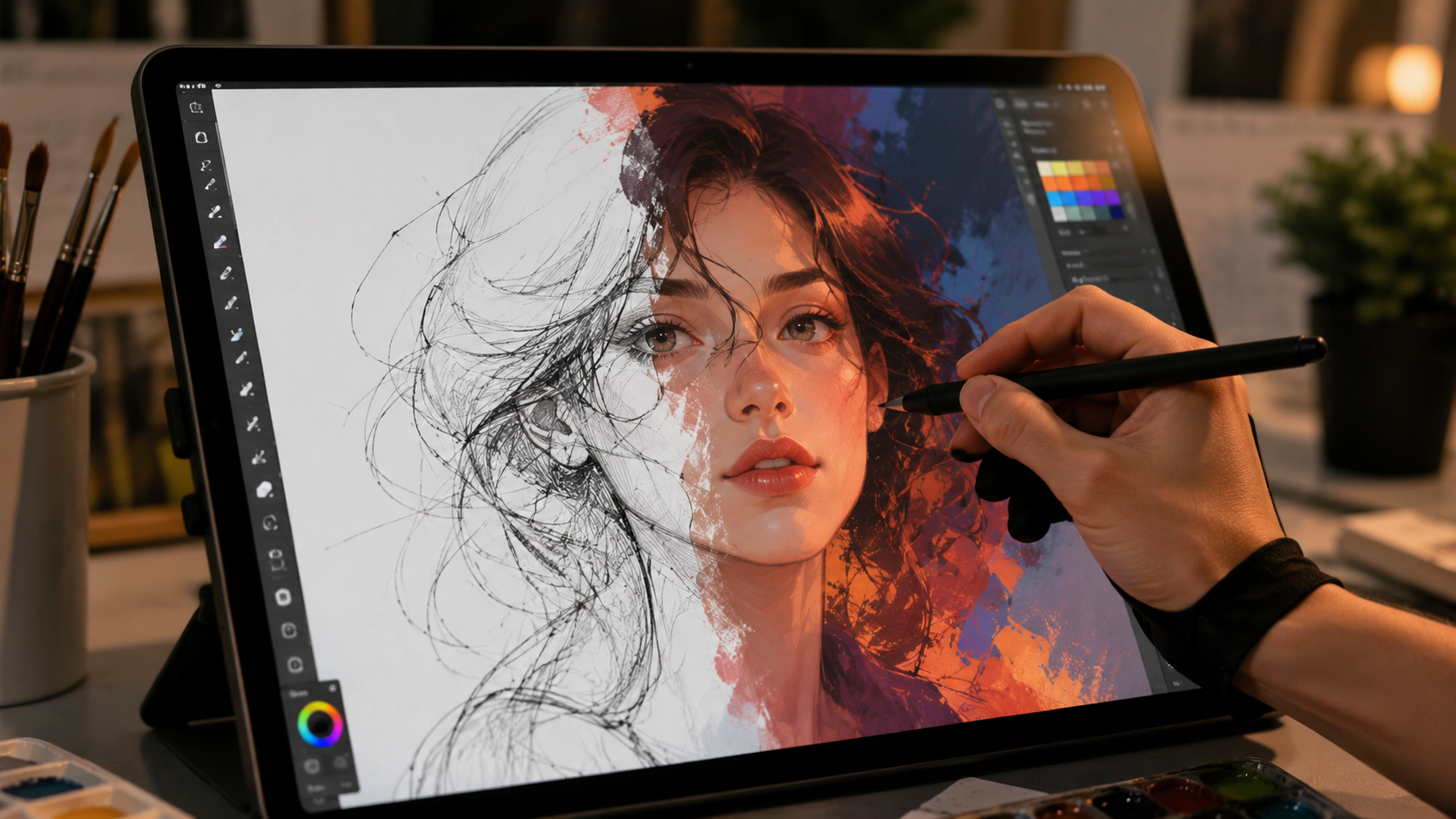
When you use an online tool to turn a photo into a speed-paint, a powerful AI engine performs a series of steps in a matter of seconds. Here’s a look under the hood:
Step 1: Image Analysis and Edge Detection
The AI first analyzes your photo to understand its core structure. It uses edge detection algorithms to identify the outlines of objects and subjects, creating a digital "blueprint" of your image. This blueprint serves as the path for the virtual drawing pen.
Step 2: Intelligent Pathfinding
To make the drawing process look natural, the AI doesn't just trace lines randomly. It uses pathfinding logic to connect the detected edges into long, fluid strokes. It prioritizes foundational lines, much like a human artist would, creating a logical and satisfying drawing sequence for the viewer.
Step 3: Frame-by-Frame Video Rendering
With the drawing path established, the AI art timelapse generator begins to render the video. It draws the lines frame by frame onto a digital canvas. If color is included, it then fills in the color regions. This entire process is captured and compiled into a standard video file (like an MP4), ready for you to download.
The Benefits of Using an Online Speed-Paint Maker
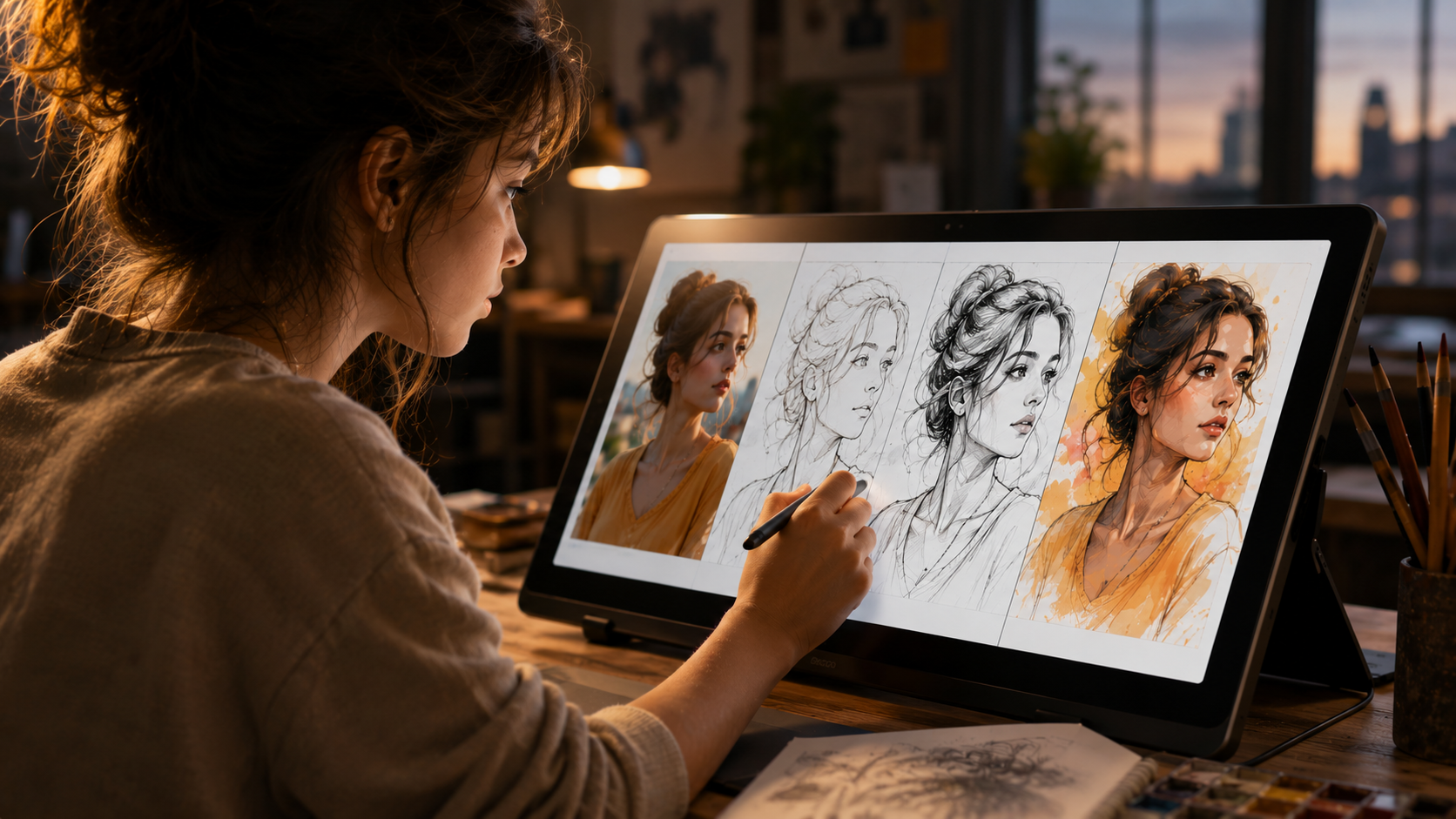
- Speed and Efficiency: What would take an artist hours to record and edit can be generated in under a minute. This allows creators to produce high-quality content at an unprecedented scale.
- No Skill Required: You don't need to be an artist. The AI handles all the creative and technical work, democratizing a once-specialized video format.
- Content Repurposing: It gives you a powerful way to breathe new life into your existing photo library, turning every great shot into a potential new video.
- Increased Engagement: The "process" nature of speed-paint videos is proven to hold viewer attention, which is a critical factor for success on platforms like TikTok and Instagram.
How to Compare Online Speed Paint Video Makers
Most tools in this category promise the same one-click result, but they differ on the details that decide whether a video is actually usable. Compare any maker on these seven points before you commit your photos to it:
- Price and watermark: a genuinely free maker exports without a watermark. If the free tier stamps a logo on the video or caps exports at low resolution, the paid tier is the real price — check it first.
- Sign-up: needing an account just to test one photo is friction you do not need. The fastest makers open, generate and download with no registration.
- Privacy: server-based tools upload your photo; browser-based tools process it on your device. For family photos, client work and classroom pictures, on-device processing is the safer default.
- Styles: look for both outlines-only (a clean sketch reveal) and full-colour mode (outlines, then colour). One-style tools quickly feel repetitive.
- Aspect ratios: 9:16 for TikTok, Reels and Shorts, 1:1 or 4:5 for feeds, and 16:9 for YouTube. A maker that only exports one shape forces awkward cropping later.
- Length control: the reveal should be adjustable, roughly 5 to 20 seconds. Fixed-length exports are either too rushed for detailed photos or too slow for simple ones.
- Output: a standard MP4 you can download and post anywhere — not a share link that only plays inside the tool’s own site.
Which Type Should You Pick?
For quick social posts, a browser-based maker is the best fit: one photo in, a 9:16 MP4 out, in under a minute. Our step-by-step walkthrough, turn a photo into a speed paint video, shows the exact upload, style and export settings to use.
For drawings, logos and colouring pages, outlines-only mode gives the cleanest reveal — the line work appears stroke by stroke, exactly like a hand sketch. If you also want motion beyond the drawing itself, our guide to the 3D animation maker online (free, no sign-up) covers the pan, zoom and depth effects that pair well with a speed paint.
For long, edited pieces, a desktop video editor still wins on titles, music and multi-clip timelines — but expect to record or simulate the drawing by hand. Most creators use a maker for the reveal clip, then drop that MP4 into an editor for captions and sound.
Settings and Photos That Get the Best Results
- Start with resolution: use a photo at least 1080px on its short side. Small, compressed images produce wobbly outlines because the edge detection has too little detail to follow.
- One subject, clear contrast: a portrait, pet, product or drawing with a distinct outline reveals far better than a crowded group photo or a low-light snapshot.
- Crop before you generate: set the final aspect ratio first (9:16 vertical for Shorts and Reels) so the drawing fills the frame instead of revealing empty borders.
- Match length to detail: 8–15 seconds for most photos, closer to 20 for detailed artwork, and 5–8 for logos and simple line art.
- Pick the style deliberately: outlines-only for sketches, diagrams and colouring pages; full colour for portraits, pets and anything where the colour is the payoff.
Your Free Tool for AI-Powered Speed-Painting
At TimelapsePhoto.art, our AI Drawing & Animation Tool is a perfect example of a photo to speed-paint video maker online. It leverages this exact technology to provide a free, fast, and privacy-focused way to create these animations.
Because the processing happens in your browser, your photos are never uploaded to a server. You get all the benefits of a powerful AI art timelapse generator without compromising your data privacy. It's the ideal solution for anyone looking to create unique and engaging video content effortlessly.
Frequently Asked Questions
What is an online speed paint video maker?+
It is a browser tool that turns one photo into a short video of the image drawing itself — outlines appear first, then colour fills in — usually in 8 to 15 seconds. You upload or open a photo, pick a style and aspect ratio, and export an MP4, with no filming or hand-drawing involved.
Are online speed paint video makers free?+
Some are fully free, while others add a watermark, cap the resolution, or paywall colour mode. TimelapsePhoto.art is free with no watermark and no sign-up: the drawing animation is generated in your browser, so your photo is never uploaded to a server.
Which photos work best in a speed paint video maker?+
Clear, high-contrast photos with one main subject work best — use an image at least 1080px on its short side, avoid busy backgrounds and tiny faces in group shots, and crop to the final aspect ratio (9:16, 1:1 or 16:9) before you generate, so the reveal frames the subject from the first second.
How long should a speed paint video be?+
For TikTok, Reels and Shorts, 8 to 15 seconds is the sweet spot: long enough for the outline-to-colour reveal to feel satisfying, short enough that viewers watch to the end and replay it. Very detailed photos can run to about 20 seconds; simple logos and line art are often done in 5 to 8 seconds.
Do I need to sign up or install anything?+
Not with a browser-based maker. TimelapsePhoto.art runs entirely in the browser — open the tool, choose a photo, and download the MP4. There is no account, no app install and no upload queue, which also makes it a safer pick for kids’ photos and client work.
What is the difference between outlines-only and full-colour speed paint?+
Outlines-only mode draws just the line work, like a sketch appearing on a blank page — clean, fast and ideal for logos, diagrams and colouring pages. Full-colour mode draws the outlines first and then fades or fills in the colour, which looks richer for portraits, pets and product photos.