The Magic of the Human Face in Motion
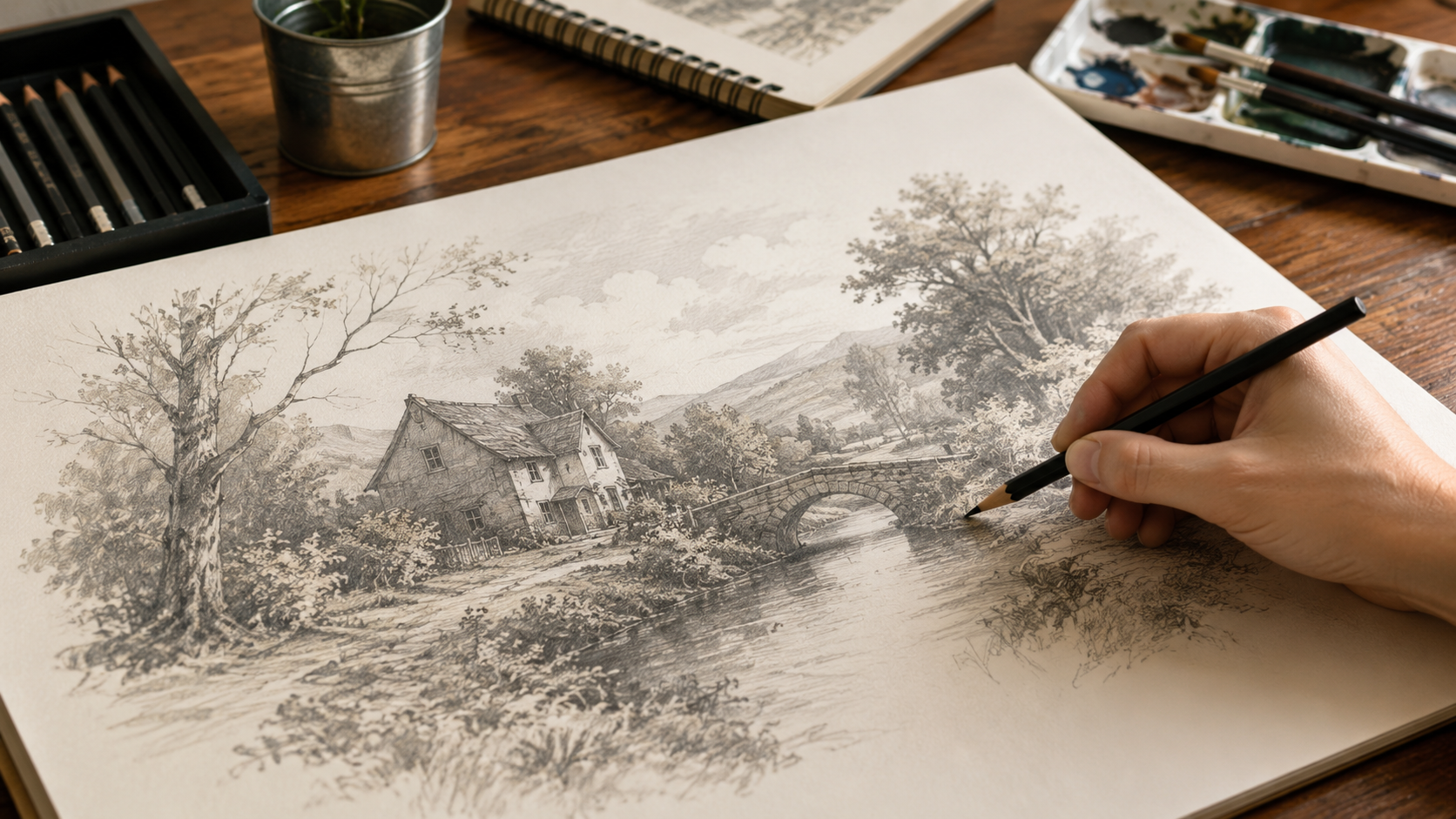
There is nothing more captivating than the human face. It is the primary subject of art throughout history, from the Mona Lisa to modern digital photography. In 2026, the way we share these faces is evolving. A simple static portrait is no longer enough to "stop the scroll." Creators are increasingly looking for ways to animate photo into drawing video content to create a deep, emotional connection with their audience.
By transforming a portrait into a drawing animation speedpaint, you aren't just showing a result—you are performing the revelation of a soul. The hypnotic process of a face forming from thin air, line by line, triggers a unique psychological response that keeps viewers hooked until the final frame.
This guide explores the intersection of computer vision, artistic theory, and social media strategy to help you master the art of the portrait reveal. Whether you're an artist looking to showcase your workflow or a marketer seeking high-retention content, the ai speedpainting software provided here for free is your gateway to the next generation of visual storytelling.
The Psychology of the Reveal: Why Portraits Win
Why do drawing animation speedpaint videos perform so much better than static images? The answer lies in the human brain's natural hard-wiring for faces. We are biologically predisposed to seek out facial patterns. When a video starts with a blank canvas and begins to sketch the "bones" of a face—the sweep of a jaw, the curve of an eye—our brains are instantly activated.
This triggers a "Curiosity Gap." The viewer's subconscious mind asks, "Who is this?" and "How will it end?" By withholding the final result and revealing it stroke by stroke, you create an addictive loop of pattern recognition and satisfaction. In the attention economy of TikTok and Instagram Reels, this curiosity is the most valuable currency you have.
Furthermore, watching art being "performed" creates a sense of intimacy. It removes the distance between the creator and the consumer, making the final artwork feel earned rather than just generated. This is why ai speedpainting software that mimics a human's logical drawing path is essential for creating high-value content.
Technical Deep Dive: How AI Deconstructs a Face
To animate photo into drawing video formats effectively, our system uses a multi-stage computer vision pipeline. Unlike simple "sketch filters" that just apply a texture, our ai speedpainting software actually reverse-engineers the image.
Edge Extraction
The AI identifies the high-contrast boundaries of the face. It prioritizes the eyes, nose, and mouth—the 'landmarks' that define a person's identity.
Pathfinding
The system calculates a logical order for the drawing. It mimics a human artist by sketching large foundational lines before moving to the finer details.
This deconstruction process happens entirely in your browser using OpenCV.js. This ensures that while you get professional-grade results, your original portrait remains private and secure. It’s the ultimate animate photo ai free solution for the modern web.
Optimizing Your Source Image for Best Results
The quality of your drawing animation speedpaint is heavily dependent on the "source" portrait. To get that iconic look, follow these photography tips:
High Contrast Lighting
Shadows are your friend. A portrait with "Rembrandt lighting" (where one side of the face is more shadowed) provides the AI with clear edges to follow.
Clean Backgrounds
A blurry background (bokeh) or a solid color ensures the ai speedpainting software focuses exclusively on the facial features during the first phase of drawing.
AI Generated Starters
If you don't have a photo, use our unrestricted generator to create a fantasy character.
Step-by-Step: From Photo to Viral Performance
Ready to animate photo into drawing video masterpieces? Follow these five steps:
- Source Your Subject: Start with a clear portrait. Good lighting on the face ensures the AI detects the most artistic lines for your drawing animation speedpaint.
- Format for the Feed: Move your image to our Drawing Tool and use the 9:16 portrait crop. This fills the mobile screen and maximizes retention.
- Choose Your Style: For a sophisticated look, use "Outlines Only" to create a charcoal sketch vibe. For maximum impact and a professional "finish," use the "Full Color" mode.
- Dial in the Speed: Adjust the drawing speed slider so the reveal finishes in 12 seconds. This is the 'Goldilocks Zone' for viral art content in 2026.
- Render & Record: Enable the "Record Animation Video" switch and hit Start. Once the AI performs the reveal, download your MP4 and post it with a trending audio track.
Start Your Portrait Reveal Today
Don't let your portraits sit static. Transform them into a cinematic journey today for free. No sign-up, no cost, 100% private.