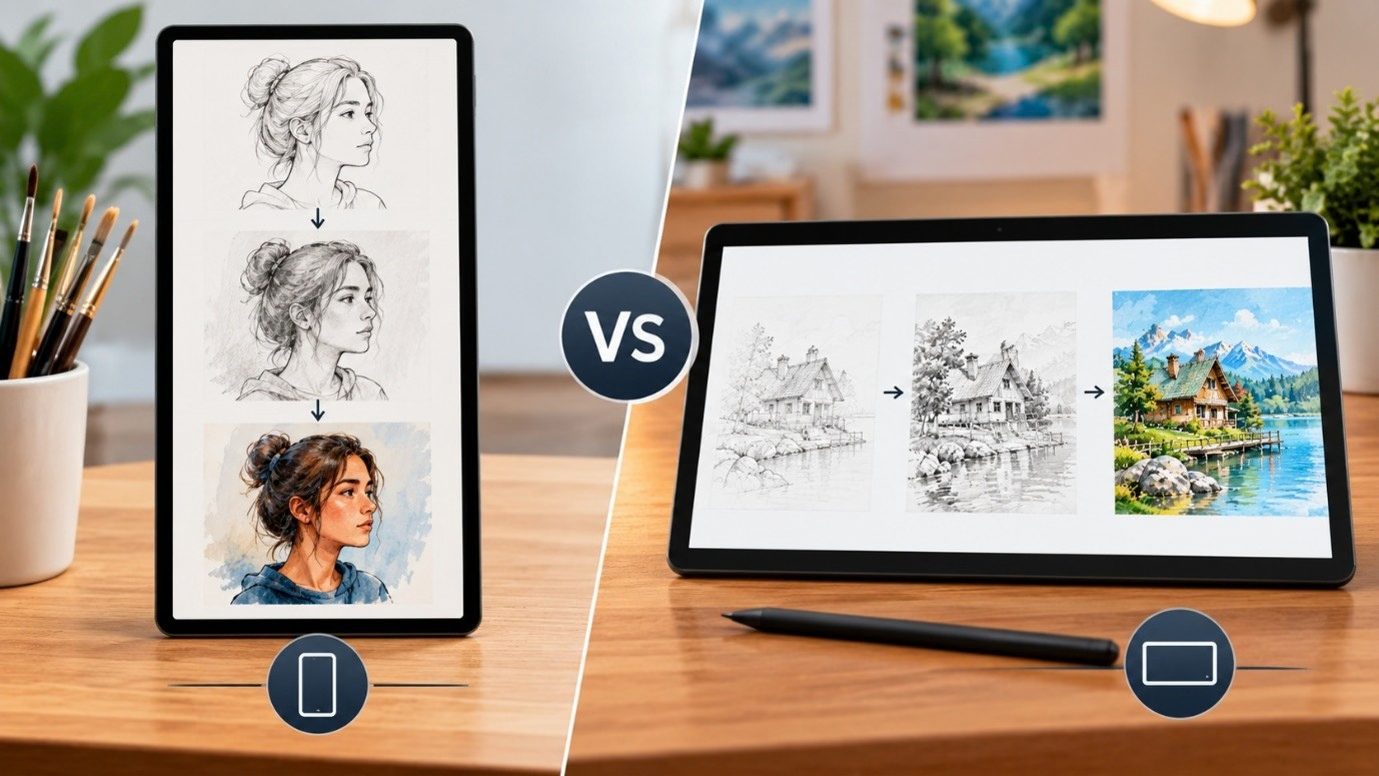
Portrait works best for short-form drawing animation videos on TikTok, Instagram Reels, and YouTube Shorts because it fills the full screen and holds viewer attention. Landscape suits YouTube tutorials, wide scenes, and desktop viewing. Choose portrait for single-subject, mobile-first content and landscape for broader scenes on widescreen platforms.
Portrait vs Landscape for Drawing Animation: A Complete Guide
You have finally picked the perfect photo to turn into a drawing video. The lines are clean, the lighting is good, and the subject is exactly what you wanted to animate. Then one question stops you before you even start: should this be portrait or landscape? Getting the portrait vs landscape drawing animation decision right from the beginning saves you from cropping, re-uploading, or watching your video look awkward on the platform you actually wanted to post it on.
This choice is not just about how the photo looks sitting on your camera roll. It shapes how the final speedpaint feels, where it will play well, and how much of your artwork viewers actually get to see before they scroll past.
What Portrait and Landscape Actually Change in a Drawing Video
Portrait orientation is taller than it is wide, while landscape is wider than it is tall. Once you turn a photo into a moving drawing, the difference becomes bigger than framing. A portrait shot naturally draws the eye to one subject, like a face or a tall building, since there is less clutter competing for attention on either side.
Landscape, on the other hand, gives the pencil or brush more room to travel sideways. Wide scenes, group compositions, or anything with a horizon line tend to animate more smoothly in landscape because the drawing motion has space to build gradually across the frame instead of feeling cramped.
How the Two Formats Stack Up
Sometimes a quick side-by-side makes the decision easier than reading through every detail. Here is a simple breakdown of where each orientation shines, so you can match it to your platform and subject before you start animating.
| Factor | Portrait | Landscape |
|---|---|---|
| Best platforms | TikTok, Reels, Shorts | YouTube, websites, presentations |
| Best subjects | Faces, single objects, tall scenes | Wide scenery, group shots, cityscapes |
| Viewing device | Mobile, held vertically | Desktop, TV, widescreen |
| Drawing motion | Focused on one point | Spreads across the frame |
How Orientation Affects Your Drawing Video Aspect Ratio
Every platform expects a certain shape. Choosing the wrong drawing video aspect ratio means your timelapse gets squeezed, cropped, or surrounded by black bars once uploaded. TikTok, Instagram Reels, and YouTube Shorts are built for tall, narrow video, so a portrait photo fills the entire screen without wasted space.
Standard YouTube videos and desktop-first content still lean on the classic widescreen shape. If your drawing video sits on a channel page next to other landscape thumbnails, starting with a landscape photo keeps everything visually consistent and avoids that stretched, letterboxed look.
When Portrait Wins for Speedpaints and Reels
If you are creating content for short-form video, portrait is almost always the smarter pick. A tall frame means your speedpaint orientation matches what viewers expect on TikTok or Reels, with no pinching, zooming, or awkward gaps at the top and bottom.
Portrait works especially well when your drawing includes:
- Portraits of people or pets, where the face is the main focus
- Single flowers, objects, or products with strong vertical lines
- Tall subjects like buildings, trees, or statues
- Content meant to be watched one-handed on a phone
Since the frame is narrower, viewers stay focused on the subject as it takes shape, which keeps them watching until the reveal.
When Landscape Still Makes Sense
Landscape has not gone anywhere, and for certain drawings it is still the better route. Landscape tends to work best for:
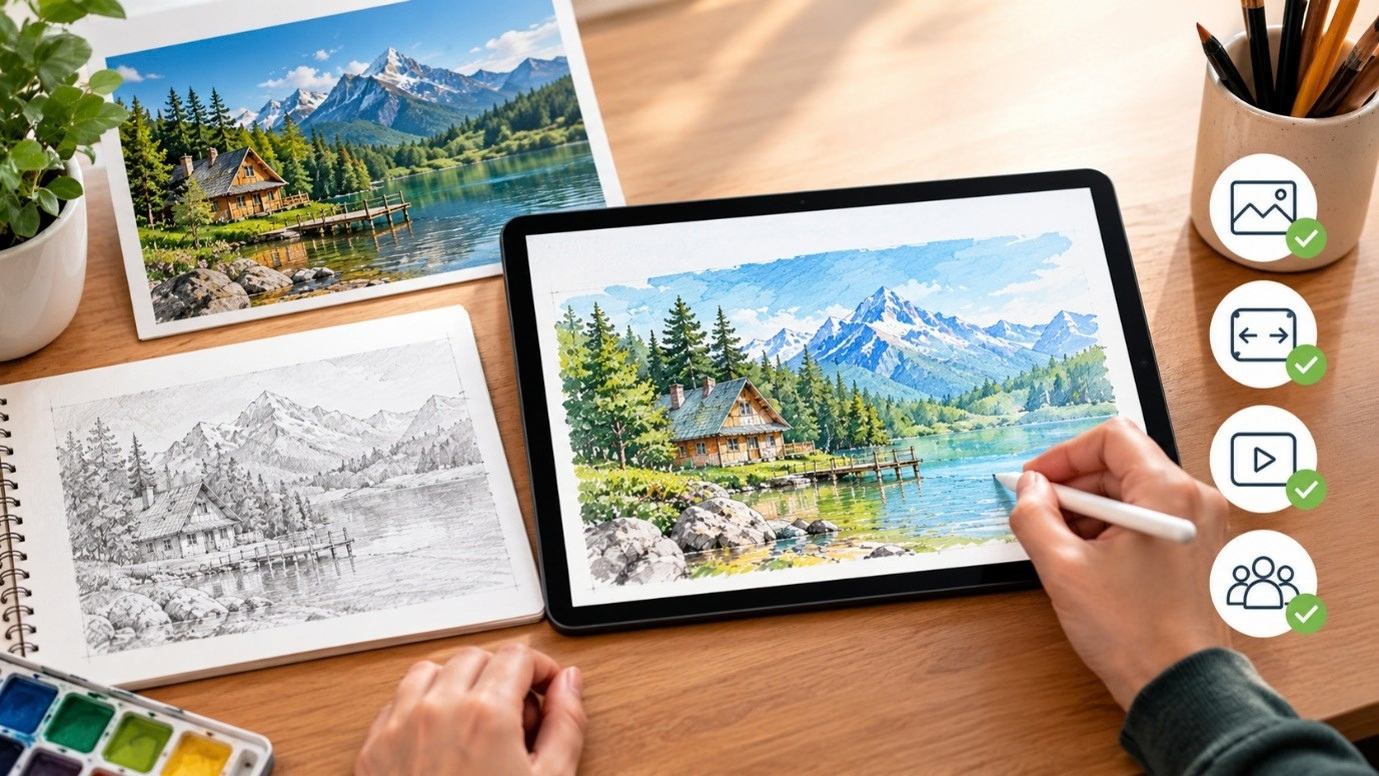
- Wide scenery, landscapes, or anything with a horizon
- Cityscapes and group portraits with several subjects
- Artwork meant for a gallery-style or portfolio presentation
- Website banners, YouTube channels, and presentation screens
It also matters if your original photo already has a wide composition. Cropping it into portrait can cut off important details, so it is worth keeping the original shape when the subject needs that breathing room.
Best Photo Orientation for Timelapse Content
There is no single winner, which is why understanding the best photo orientation for timelapse content starts with knowing your audience. Ask where the finished video will actually be watched. A younger, mobile-first audience responds better to portrait. A subscriber watching a longer tutorial on a laptop or TV is used to landscape.
If you post to more than one platform, pick a primary format and adjust the crop slightly elsewhere, rather than forcing one orientation to do everything.
How to Decide Before You Start Recording
A few quick questions can settle the portrait vs landscape drawing animation debate before you even upload your photo:
- Where will this video be posted first?
- Is the subject a single focal point or a wider scene?
- Does the original photo already lean tall or wide?
- Will viewers mostly watch on a phone or a larger screen?
Answering these upfront saves surprises later. Testing both orientations on the same photo helps too, since a subject you assumed needed landscape can sometimes look stronger in portrait once the pencil starts moving.
Conclusion
Choosing between portrait and landscape does not need to be complicated once you know your platform and subject. If your drawing is heading to TikTok, Reels, or Shorts, portrait keeps it full screen and easy to watch. If it belongs on YouTube, a website, or a wider canvas, landscape gives your artwork room to breathe.
With TimelapsePhoto.art, you can turn any photo into a drawing animation, try different aspect ratios, and see for yourself which orientation brings your artwork to life the way you imagined it, without any guesswork.
Frequently Asked Questions
1. Is portrait or landscape better for drawing animation on TikTok and Reels?
Portrait is better for TikTok and Reels since it fills the full mobile screen without black bars, keeps viewers focused on one subject, and matches the native vertical format both platforms are built around.
2. Can I convert a landscape photo into a portrait drawing video?
Yes, but cropping can cut off parts of the scene. It works best for single-subject photos. For wide scenes with multiple elements, keeping the original landscape shape usually gives a cleaner result.
3. What aspect ratio should I use for YouTube drawing tutorials?
Standard YouTube favors landscape, typically 16:9. This wider frame suits tutorials, wide scenes, and desktop viewing, while YouTube Shorts follows the same portrait format as TikTok and Reels.
4. Does orientation affect how smooth a speedpaint animation looks?
Yes, orientation shapes how the drawing motion travels across the frame. Wide subjects animate more naturally in landscape, while single, centered subjects often look smoother and more focused in portrait.
5. Should I shoot new photos differently if I plan to animate them?
If you already know the platform, shoot with that shape in mind. Vertical shots suit mobile feeds, while horizontal shots work better for wider scenes, tutorials, or desktop-first content.
Ready to Animate Your Own Photo?
Pick a photo, choose the orientation that fits your platform, and watch it turn into a smooth drawing video in minutes, free and ready to share on any screen.