
How to Play: Guess Before the Color Reveal
Step 1 — pick a session length. Choose 2, 5 or 10 minutes and press play. The game runs itself from there: new pictures keep cycling until the clock runs out, and if time expires mid-round, that round always finishes its reveal first.
Step 2 — take the starting clue. Each round opens by announcing the picture’s category out loud — “It is from Animals!” — so even the youngest players start with a real clue instead of a blank screen.
Step 3 — shout your guesses at every pause. The line drawing builds itself in four quarters. At 25%, 50% and 75% it freezes: a big countdown number runs for five seconds, a hint card appears, and the voice reads the hint aloud. The hints escalate — the first is gentle, the third nearly gives it away — and every hint stays on screen, so late joiners can catch up.
Step 4 — enjoy the reveal. At 100% the colored original fades in with stars and a fanfare, and the game names the exact picture: “Did you guess it? It’s a dog!” Then the next round starts on its own.
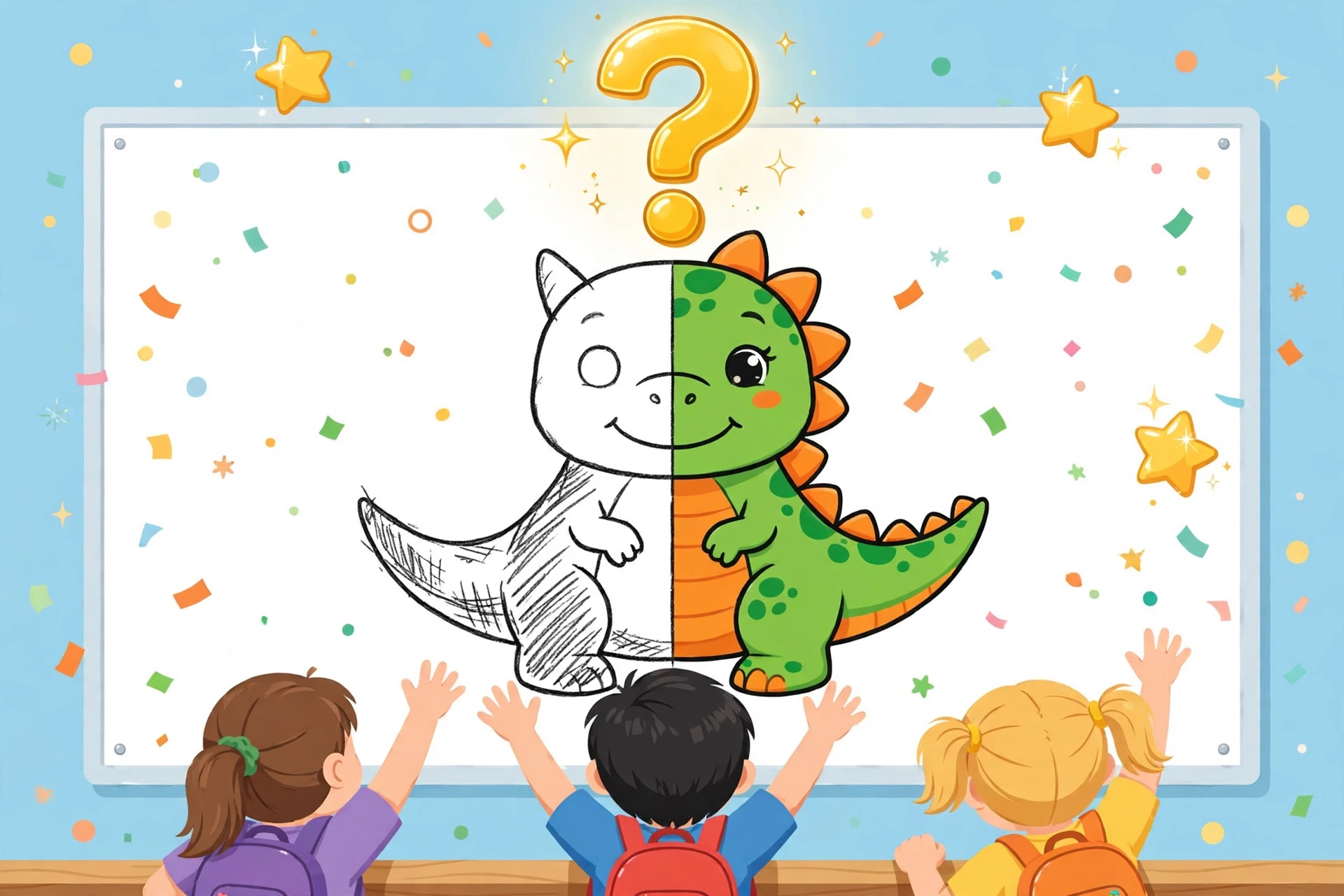
A drawing appears stroke by stroke — the class guesses at 25%, 50% and 75% before the full-color reveal names the answer.
Guessed it early? That is the best moment in the game, so the controls respect it. The Reveal the answer button jumps straight to the color reveal when the class has already worked it out, and during the reveal the same button becomes Next picture to keep the pace up. A Stop button ends the session whenever you like, with a summary of how many rounds the class played.
95 Pictures in 13 Categories
The game draws from a pool of 95 pictures across 13 categories: Animals, Dinosaurs, Sea Animals, Space Explorers, Princess, K-Pop Stars, Mermaids, Fairies, Unicorns & Rainbows, Kid Superheroes, Kawaii Food, Thanksgiving and Halloween. Animals is the biggest set, with dogs, cats, foxes and bears; the dinosaurs are a T-Rex and a triceratops; and yes, one picture filed under Animals is secretly a unicorn — the reveal names what is actually in the picture, not the folder it came from.
The pool is shuffled every session and no picture repeats until all 95 have appeared, so a 10-minute game never feels like the same game twice. Every picture is one of the friendly drawings from the kids coloring library — the same pages children can print and color — each with a colored original kept back for the reveal.
A Voice That Reads the Game Out Loud
The game talks. A spoken voice announces each round’s category, reads every hint as it appears, and calls out the answer at the reveal, while sound effects mark the moments that matter: a tick for each countdown second, a pop when a hint lands, and a little fanfare for the color reveal. Separate Voice and Sound switches let you run either channel — or neither.
Every spoken line also appears as a caption on screen, word for word. That makes the game fully playable with the sound off — in a quiet classroom, on a device with no speakers, or in the built-in browsers inside some apps, which block web audio; the start screen even carries a Test sound & voice button so you can check your setup in two seconds before the class is watching.
Built for the Smartboard: Your Logo, Fullscreen, Private by Design
The game was designed for the front of a classroom. Add your school logo with one button and it sits at the top-left of the stage for the whole session — the same treatment as the classroom drawing show — with a small TimelapsePhoto.art mark at the bottom-right. A fullscreen button fills the smartboard or projector, and the stage, hints and countdown are sized to be read from the back row.
Everything runs inside the browser. There is no account, no install and no upload: the logo file never leaves the teacher’s computer, it exists only for the session, and it vanishes when the page closes. The pictures all come from the site’s own library, so there is nothing for a school network to approve and nothing for students to sign up for.
For Teachers: Where the Game Fits in the School Day
Brain breaks and transitions: a 2-minute session is exactly the length of a wiggly gap between lessons — long enough to reset attention, short enough to stop on time. Quiet time: run a 5 or 10-minute session with the voice low and let the room settle around the countdowns; it pairs naturally with the other calm-down ideas in our classroom quiet time activities guide. Indoor recess and early finishers: the game supervises itself — you start it, it keeps dealing new pictures.
It is also quietly educational. Guessing from partial information is prediction, the same skill reading teachers drill with picture walks. The category clue and the exact-name reveal build vocabulary — animal names, sea creatures, dinosaurs — and the escalating hints reward close observation: kids learn to look for ears, tails, fins and horns. For a follow-on activity, print the revealed picture from the kids library and let the class color the very drawing they just guessed.
Frequently Asked Questions
How do you play the Guess the Drawing game?
Open the game page, pick a 2, 5 or 10-minute session, and press play. A picture draws itself on screen and pauses at 25%, 50% and 75%: at each pause a five-second countdown runs, a new hint appears, and everyone shouts their guesses out loud. At 100% the picture bursts into full color and the game announces the exact answer — for example, “It’s a dog!”
Is the Guess the Drawing game free?
Yes — the game is completely free, with no sign-up, no account and nothing to install. It runs in the browser on a smartboard, projector, Chromebook, tablet or phone, and every picture, hint, voice line and sound effect is included.
How long does a game last?
You choose the session length before you start: 2, 5 or 10 minutes. New pictures keep cycling for the whole session, and no picture repeats until all 95 have been shown. If the clock runs out in the middle of a round, that round always finishes its color reveal before the session ends.
Can I put my school logo on the game?
Yes. The Add your school logo button places your logo at the top-left of the screen for the whole session, just like the classroom drawing show. The logo is session-only: it is never uploaded anywhere, and it disappears when you close the page.
What pictures are in the game?
There are 95 pictures across 13 categories: Animals, Dinosaurs, Sea Animals, Space Explorers, Princess, K-Pop Stars, Mermaids, Fairies, Unicorns & Rainbows, Kid Superheroes, Kawaii Food, Thanksgiving and Halloween. They are the same friendly pictures as the free coloring pages in the kids library, each with a colored original for the reveal.
Why is there no sound when I open the game inside another app?
Some apps open links in a built-in browser that blocks web sound and voices. If the Test sound & voice button stays silent, open the page in Safari or Chrome instead — sound works there. Either way, every line the voice speaks also appears as a caption on screen, so the game is fully playable with the sound off.
Play Guess the Drawing — Free
Pick 2, 5 or 10 minutes and let the pictures draw themselves. Your class guesses at every pause — the reveal names the answer.